 Personalize
Strength, quietly carried
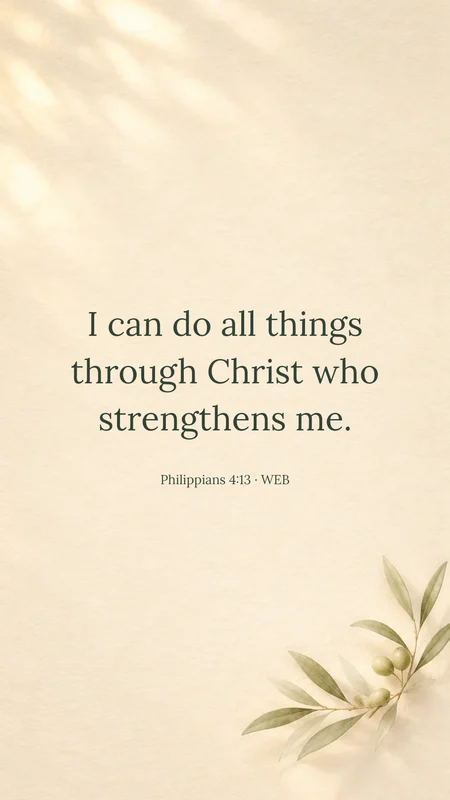
Philippians 4:13
A beautiful verse is only useful if you can read it. Draw the text area where your clock, notifications and shortcuts leave room.
Sample background
Drag a text box or corner to adjust.
Restoring your design…
Personalize Philippians 4:13
 Personalize
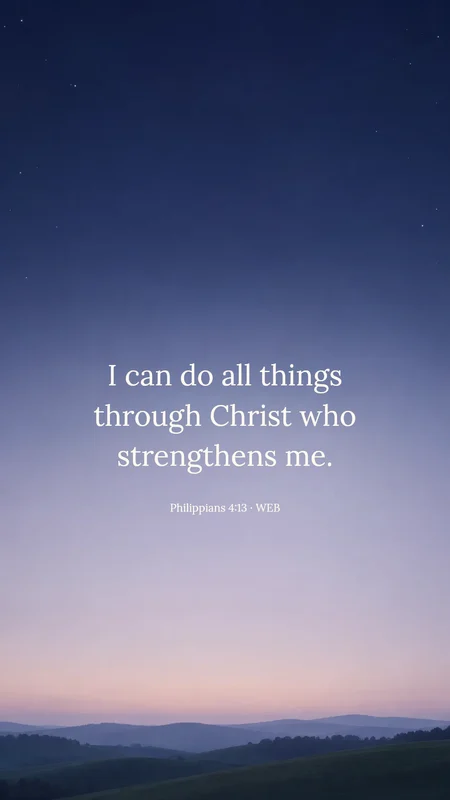
Philippians 4:13
 Personalize
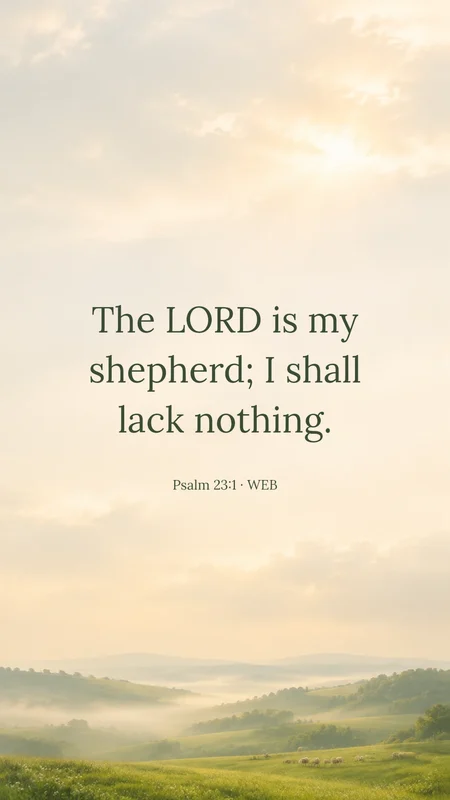
Psalm 23:1
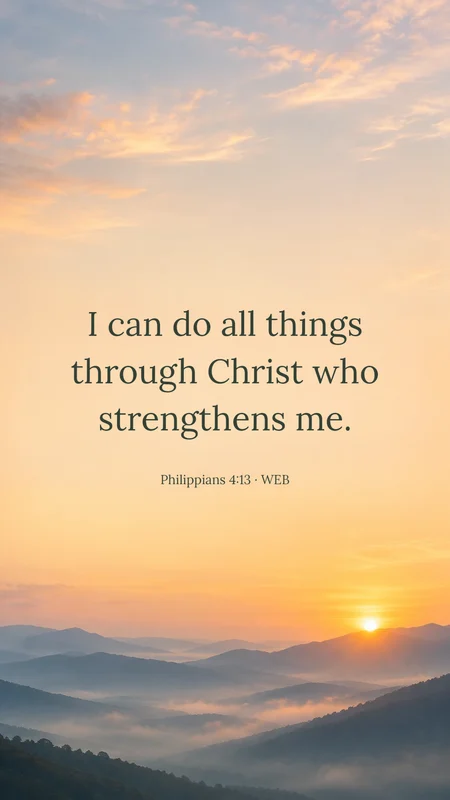 Members’ artworkPersonalize
Philippians 4:13
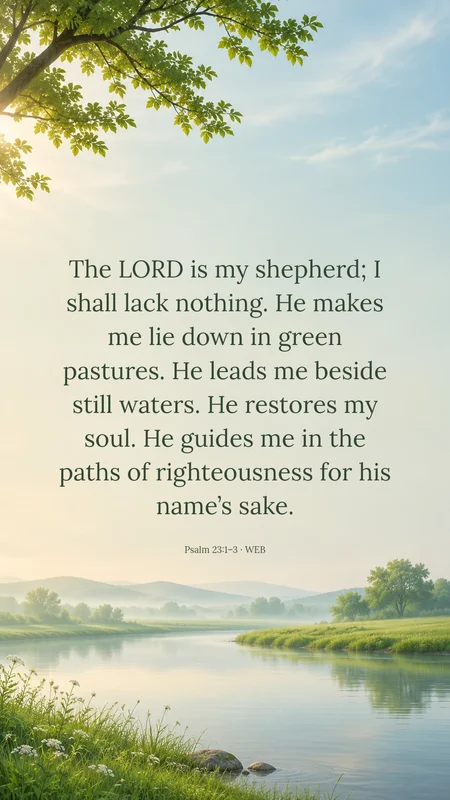 Members’ artworkPersonalize
Psalm 23:1–3
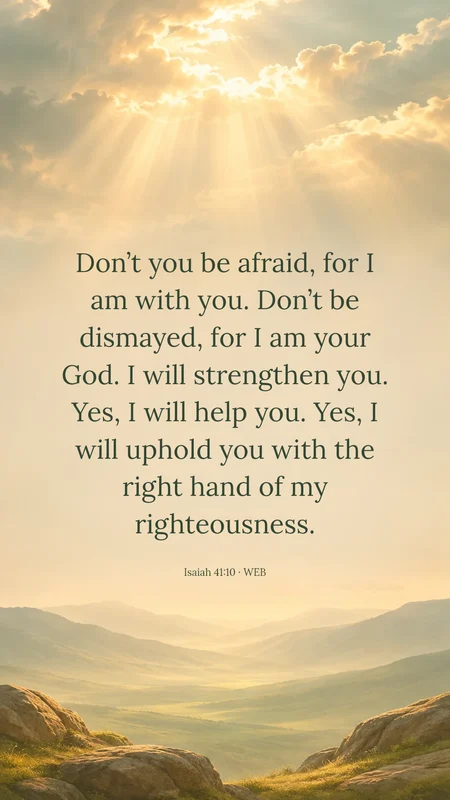 Members’ artworkPersonalize
Isaiah 41:10
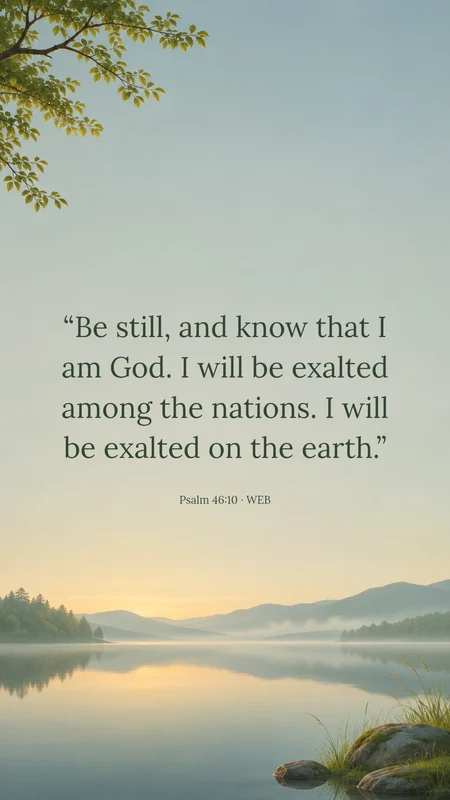 Members’ artworkPersonalize
Psalm 46:10
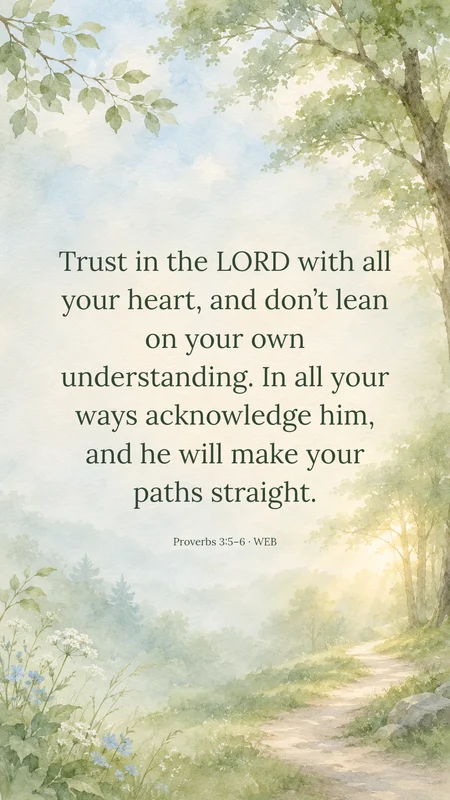 Members’ artworkPersonalize
Proverbs 3:5–6
Turn on the clock guide to plan your layout; it is a visual guide, not an exact device simulation.
Drag the text area lower if you use a large lock-screen clock.
Check the saved image on your own phone before setting it.
Looking for another passage? Explore Psalm 23, Philippians 4:13 or Isaiah 41:10.
Choosing a passage, a background and a way to make it your own.
The browser-based wallpaper maker creates a downloadable image with your chosen verse, font and text position. Use a free ready-made scene without an account, then save the image and set it in your phone’s wallpaper settings. For a finished design, the daily wallpaper page offers free downloads. These are wallpaper images, rather than a widget that automatically rotates verses.
Make a Bible verse lock screen ↗Download a finished daily wallpaper ↗
Yes. Sign in for two new AI images each day. The ready-made editor and free downloads work without an account. You can also personalize and download a design from the free collection. Editing the words or their position on an existing background does not use another AI creation.
Yes. Paste your own text and add its reference. Our included verses use the public-domain World English Bible (WEB). If you choose another translation, check its reuse requirements. Label personal prayers or paraphrases accurately.
The AI creates the background only. We place your exact text on top with a separate typography renderer. Review your spelling, reference and line breaks before downloading.
Choose your phone size, then move or draw the text area below the clock guide. Resize the area to fit a longer passage. Clock sizes and widgets vary, so check the saved image on your phone.
You can personalize free ready-made backgrounds and download without signing in. Sign in for two free AI images per day and an account-connected collection. Paid plans offer a larger monthly or yearly allowance.
Download the image and set it in your device settings. The website’s daily selection updates at midnight in New York; your device wallpaper changes when you set the downloaded image.
The daily selection changes at midnight in New York, including daylight saving time. If a new wallpaper is not available, the latest published image keeps its original date. Downloads do not use an AI creation.
Choose from 15 sizes for iPhone, Android, tablet, square, Full HD, QHD, 4K export, laptop or ultrawide screens, or enter custom dimensions. Custom sizes support 480–3840 pixels per side, up to 9 megapixels, with ratios from 2:5 to 5:2. PNG, JPEG and WebP use your selected pixel dimensions. Eligible memberships can create animated GIFs, exported at up to 1,024 pixels on the longest side. New AI backgrounds are generated at 1K and cropped or scaled to fit; a larger export is not a native 4K image.
No. Your generated wallpapers are private to your account. Free ready-made designs you edit can be linked to this browser. We do not automatically add them to the public collection. Your background description is sent to the image provider; your verse is typeset separately.