 Loading…Loading…
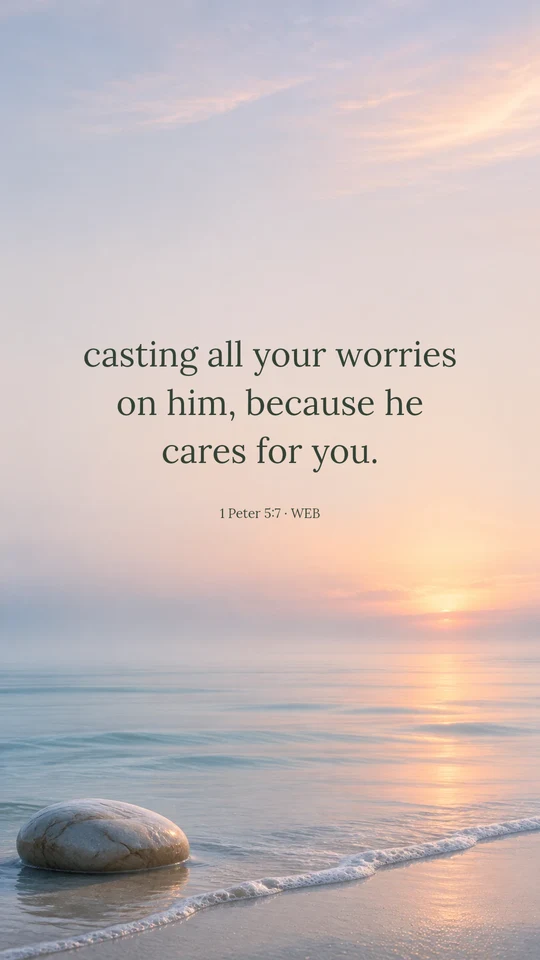
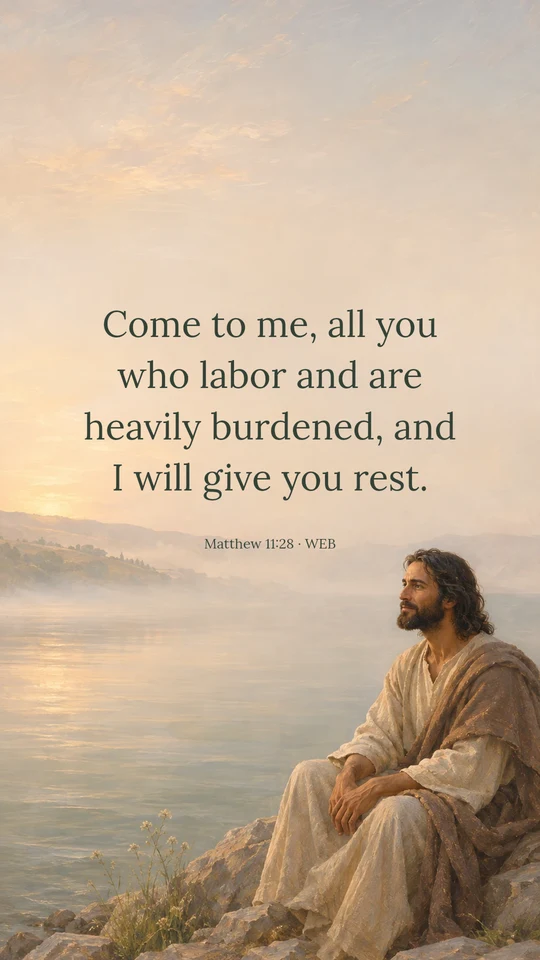
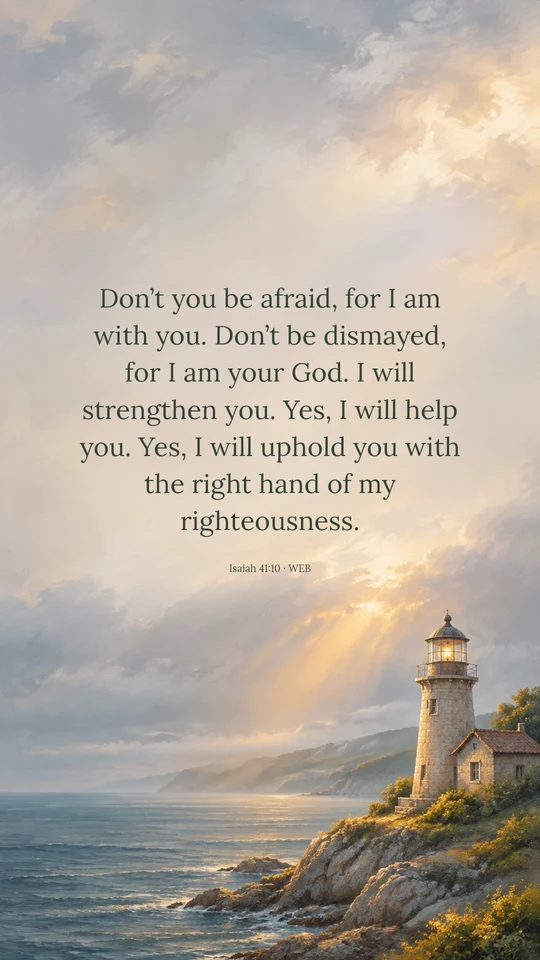
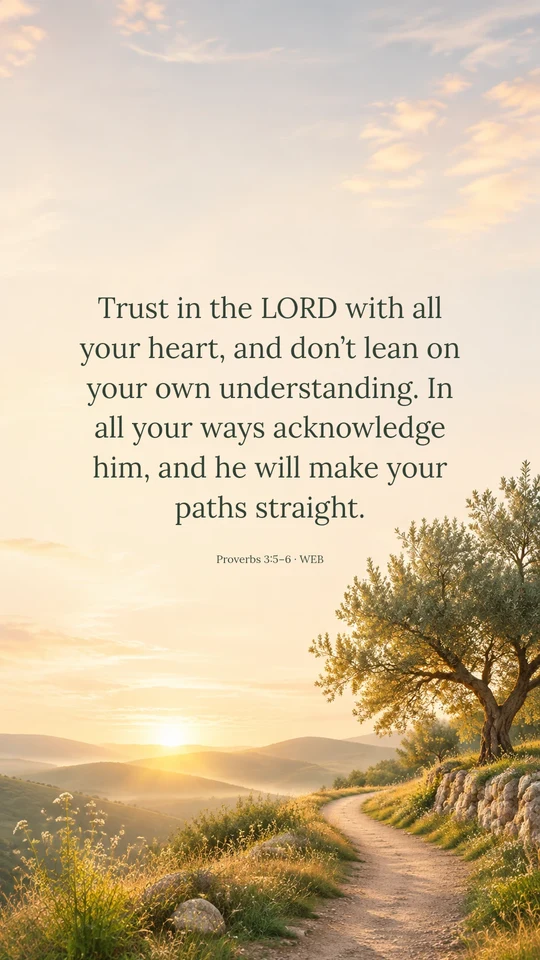
A small reminder to carry through your day. Find a verse to pause with, then take it with you.
Pause with the words. Keep them close on the screen you see every day.
My help comes from the LORD, who made heaven and earth.
Psalm 121:1–4: help for the journey
Read today’s passage in contextStart with a passage that speaks to your season. Read it in context, then choose what to carry with you.
Download the selected design, save it to your photos and set it in your wallpaper settings.
Download the PNG. Open it in Files, tap Share, then Save Image to add it to Photos.
Open Settings → Wallpaper → Add New Wallpaper, then choose the image from Photos.
Pinch to fit the picture. Keep the words clear of the clock and widgets, then tap Add.
Find the image in your Downloads folder or open it in your gallery.
Open the image menu and choose Set as wallpaper, or use Settings → Wallpaper & style.
Move or scale the image so the verse stays visible. Apply it to your lock screen or home screen. Menu names vary by phone.
Download the PNG to a folder you can easily find again.
On Windows, use Settings → Personalization → Background. On Mac, open System Settings → Wallpaper.
Choose Fit to preserve the full image. Select Computer · Widescreen above for a horizontal download.
Make a wallpaper with your own verse, a favorite font and a background that fits the moment. Choose phone, tablet or desktop, and leave room for the things on your screen.
Yes. Download the featured wallpaper as a PNG without creating an account. A daily wallpaper download does not use any of your AI creation allowance.
Scheduled selections appear at midnight in New York, including daylight saving time. If a new design is not available, the latest published wallpaper keeps its original date. A free collection design is shown when no daily selection has been published.
When a daily design includes multiple sizes, choose Phone, Desktop, Tablet or Square above its preview. The download area shows the selected image dimensions and orientation. Preview it in your device’s wallpaper settings before applying it, and use Fit to keep the whole verse visible. For another screen ratio or text placement, make a new design in the wallpaper maker.
The website updates its featured selection, but your device wallpaper stays as you set it. Download a design you like and apply it through your phone or computer’s wallpaper settings.
Yes. Open the wallpaper maker to enter your own verse, choose a screen size, select a font and position the text. You can use a free collection background or create a new AI background, with two free AI images per day after signing in.